Print Guide
A Simple Guide to Getting Your Project Printed
Practical tips from our team to help you plan your project, prepare your files, choose the right options, and understand the printing process.
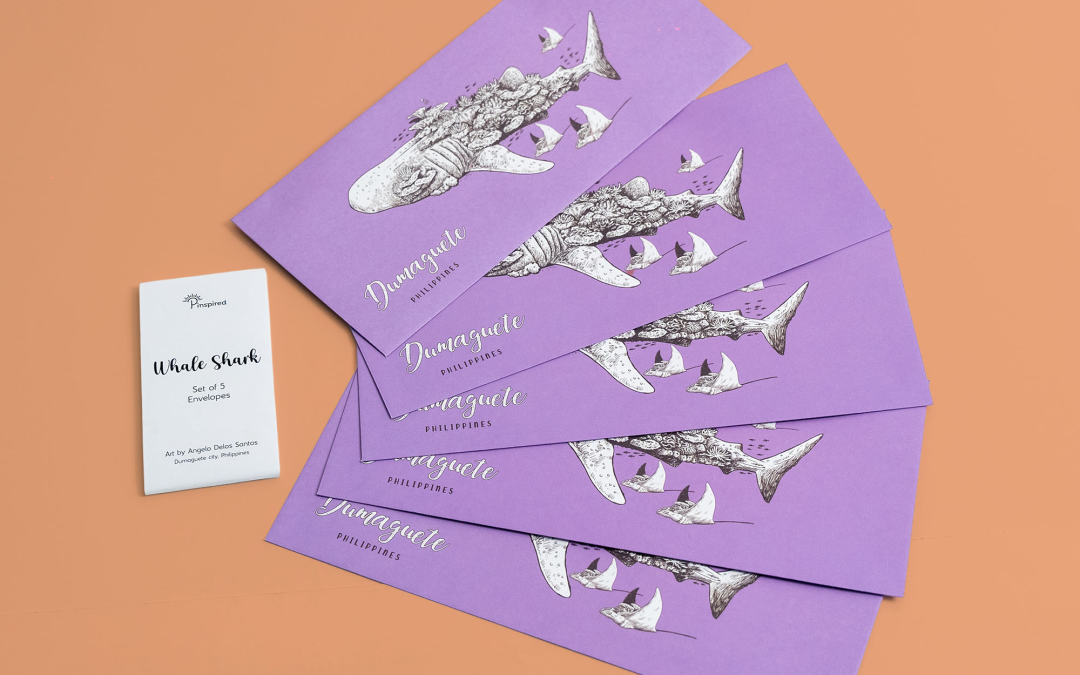
How to Choose the Right Paper for Your Print Project
Paper can completely change how a printed piece looks and feels. Here is how to choose between coated and uncoated stock, what GSM means, and how paper affects color and finishing.
Guides
Book Binding Methods: Which One Is Right for Your Project?
The way a book is bound affects how it looks, feels, opens, and lasts. Here is a simple guide to saddle stitching, side stitching, singer sewn, spiral, PUR and Smyth sewing.
Offset vs. Digital Printing: Which One Do You Need?
Not sure whether your project needs digital or offset printing? Digital is usually better for smaller quantities and personalized prints, while offset suits larger quantities and specific Pantone colors.
Quick checklist
Is your file print-ready?
Run through these before you send your artwork. If you’re unsure about any of them, send the file anyway. Our prepress team checks files before printing and will tell you what to fix.
- 01A print-ready PDF. At the actual size, with crop marks. Send single pages, not spreads.
- 02CMYK colour mode. Screens use RGB; presses print in CMYK. Set black text in 100% black (K) only.
- 030.125 to 0.25 inch bleed. Extend backgrounds past the trim on all sides so there are no white edges.
- 04Images at 300 dpi. Lower resolutions can look soft or pixelated.
- 05Die-cut lines on a separate layer. Use straight lines for cuts, dashed lines for scoring or folding, and dotted lines for perforation.
Working in Illustrator or InDesign? Send a packaged file with fonts and links, or outline the fonts and embed the links.
FAQs
Common Questions
What information do you need for a quotation?
The more details you can provide, the more accurate our quotation will be. Helpful information includes:
- What you are printing
- Finished size
- Quantity
- Number of pages, if applicable
- Paper or material
- Printing requirements
- Finishing
- Binding, if applicable
- Target delivery date
If you don’t know all the specifications yet, that’s okay. Tell us about your project and we can help you work them out.
What is the minimum order quantity?
Minimum quantities depend on the product and printing method. Digital printing is usually more suitable for smaller quantities, while offset printing becomes more cost-effective at higher quantities.
Send us your requirements and we can recommend the best option.
What file format should I send?
Please send a print-ready PDF at the actual size, with bleed and crop marks. For multi-page documents, send single pages rather than spreads.
We can also work with Illustrator or InDesign files, packaged with the fonts and links.
Can I request a proof before production?
Yes. Proofing options depend on the project and printing method. Let our team know if you require a physical proof when requesting a quotation.
How long does printing take?
Lead time depends on the quantity, printing method, materials, finishing, binding, and complexity of the project.
More complex projects such as books, packaging, and pieces with multiple finishes generally require more production time than simple print-and-cut jobs. Schedules can also be longer during peak periods, particularly toward the end of the year.
Do you deliver outside Metro Manila?
Yes. We deliver anywhere in the Philippines. Let us know your delivery location when requesting a quotation.